
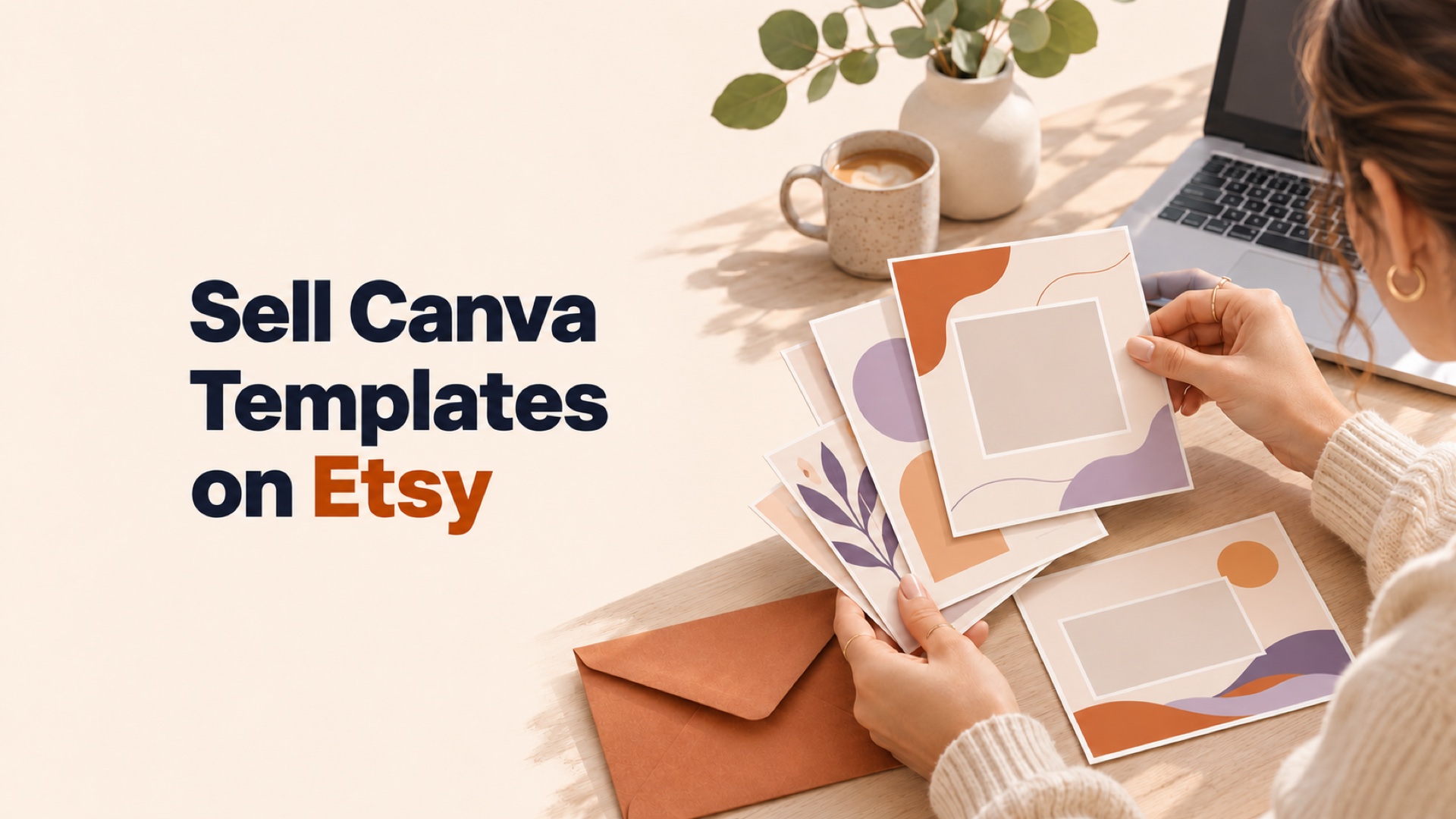
To sell Canva templates on Etsy, design an original template, create a Canva template link, and put that link inside a PDF you upload as an Etsy digital listing. Start with one product for one buyer. Test the PDF, the link, and a sample export in a separate Canva account before publishing so you know exactly what a buyer will receive.
Table of Contents
Pick one design task your buyer does repeatedly
“Canva templates” describes a format. It leaves the buyer to guess what job the file will do. Start with a specific task, such as announcing a bakery’s weekly specials, sharing before-and-after photos for a salon, or reminding students about an upcoming workshop. A buyer should understand what they can make within seconds of seeing your first listing image.
Search Etsy using a phrase the buyer would use. Look at the first page for that phrase and write down what the listings include, the image sizes they advertise, and the questions buyers keep asking in reviews. Use that research to find a missing use case or a confusing step you can simplify. Build your own layouts and copy.
For example, a six-layout bakery Instagram kit could cover a weekly menu, an item launch, a preorder deadline, a sold-out notice, opening hours, and a customer testimonial. Design those six pages to work together. A photos-and-headlines pack looks more useful when each page helps the same person publish something they need that week.
Check Etsy originality rules and Canva’s license
Etsy’s Creativity Standards allow sellers to list digital downloads they designed. Create the layout yourself and use photos, fonts, and illustrations you made or have suitable rights to use. Changing the colors on a template someone else designed is a poor foundation for a product sold as your own original work.
Canva’s Content License Agreement lists templates for use in Canva among permitted design uses. It also restricts redistribution of Canva content itself. Sell the original layout and its intended use. Keep library photos, illustrations, and other elements inside the design, and check each asset’s terms before using it. Separate terms can apply to branded or specially licensed content.
Canva’s licensing guide explains that using Pro content in a template requires keeping that template in Canva. A template link points the buyer back to Canva to edit it. A PDF containing that link serves as the delivery file. A separate export intended as a reusable template outside Canva is a different use and needs a license check of its own.
If the listing promises that it works with a free Canva account, use assets and features a free user can edit and export. Test in a free account before making that claim. If you use your own photos or illustrations that are for demonstration only, tell buyers which assets they need to replace.
Create the template link and test delivery
Keep a private working copy of your design. Make a separate delivery copy, remove personal information and unused pages, and give every page a useful name. Open the delivery copy and choose Share → Template link → Create template link → Copy. The Template link option may appear under See all. Canva’s template link guide lists which accounts can create these links.
Create a short PDF with the product name, a clickable link, the Canva account requirements, and a support note. Tell buyers what to do after clicking. For the bakery kit, the steps could be: make a copy, replace the sample photos, update the menu text, and export the pages needed this week. Give the PDF a readable name such as bakery-social-kit-start-here.pdf.
Download the finished PDF and open that downloaded copy in a browser or PDF reader. Click its link from a separate Canva account. Confirm that you can create and edit a copy without changing the seller’s original. Replace a photo, enter a longer headline, and export a page. If the buyer sees a permission request, a watermark, or a paid feature you did not disclose, fix the link or the design before listing it.
Build a digital Etsy listing that sets expectations
In Etsy Shop Manager, create a digital listing and choose the instant download option for a ready-made product. Upload the PDF that contains the Canva link. Etsy’s digital listing help lists PDF as a supported file type and allows up to five files of 20 MB each. A single clearly named start-here PDF is enough for the example kit.
Use a title that names the audience, deliverable, and format. For example, “Bakery Instagram Templates, 6 Editable Canva Layouts” tells the buyer who the kit is for and what they get. Make the first image show the finished design in use. Use the next images to show the included layouts, canvas sizes, and a before-and-after example with different photos or branding.
Put the key buyer details near the top of the description: this is a digital download, the PDF opens an editable Canva template, the kit includes six layouts, and a Canva account is required. Name the exact page sizes. State whether sample photos are included and whether any element requires Canva Pro. If the buyer needs a mobile browser or a computer to download the PDF, link to Etsy’s download instructions in your support note.
Estimate what you keep from each sale
Use the amount left after fees to set your price and decide how much time to put into a product. Etsy lists a $0.20 listing fee and a 6.5% transaction fee. Etsy Payments processing is separate and depends on the bank account country. For a US bank account, Etsy lists 3% plus $0.25 per order. Check the current selling fees and processing rates before using the example for your shop.
For a simplified $9 US sale, allocating $0.20 for the listing and deducting a 6.5% transaction fee and 3% plus $0.25 for processing leaves about $7.70. That estimate excludes taxes, advertising, refunds, currency conversion, setup fees, and your own expenses. The price itself is an illustration, not an estimate of what buyers will pay or what you will earn.
Say you put four hours into design, packaging, and listing, and value that time at $20 an hour. At roughly $7.70 per order it would take 11 orders to recover that $80 of time, before other costs. Run this calculation with your own time and margins. It helps you choose between releasing one focused product or designing a large bundle before you know if the niche gets clicks.
Use the first listing to learn what to improve
Watch for three signals: whether people find the listing, whether viewers buy, and whether buyers get stuck after purchase. If few people open it, revisit the audience phrase and first image. If shoppers visit but rarely buy, make the included layouts and editing requirements easier to understand. If customers buy and ask for access, test the PDF and Canva link again before building more products.
Change one meaningful thing at a time so you can tell what you improved. For example, replace a crowded cover with a finished bakery menu image and a clear label saying six editable layouts. When buyers ask for a related use case, that is a stronger reason to build a matching kit than adding more pages just to make the bundle sound larger. If you are still deciding whether to start with digital products, compare them with the other options in Market Burner’s guide to earning online.
Frequently asked questions
Do I need a paid Canva plan to sell an editable template?
Canva limits creation of Template links to eligible plans, including Canva Pro. Check the current plan list in Canva’s Template link help before committing to this delivery method. The seller’s plan and the buyer’s editing requirements are separate.
Can a buyer use a free Canva account?
Yes, if the design works with the free editor and accessible elements. Test editing and export in a separate free account. Tell buyers up front if the design depends on a paid feature or Pro element.
Can customers download the PDF through the Etsy app?
Etsy says digital purchases cannot currently be downloaded in its app. Buyers should open Etsy in a mobile browser or on a computer, then find the order under Purchases.
Can I offer digital template sizes as listing variations?
Etsy currently does not support variations for digital items. Offer all sizes in a clearly labeled bundle or create separate listings when customers should buy sizes individually.
What happens if I delete my Canva template link?
Canva says deleting a template link makes its URL inactive. If you issue a new link, replace the PDF on the listing and plan how to help existing buyers who still have the old PDF.